Hello beautiful peoples!

Windows 11 calls it “Show More Options.” I call it “Show Me the Bloody Menu I Wanted in the First Place.”
Apparently, right-clicking wasn’t enough. Now we need a second click to prove we’re being serious. How modern. Much innovation. So, we’re undoing that particular improvement. Two little command blocks: one to bring the classic right-click menu back, another to restore the modern one if you decide you miss the inconvenience.
Windows 11 “Show More Options” Right-Click Menu Is Not a Feature. It’s a bug… that we are squashing right meow. 😺
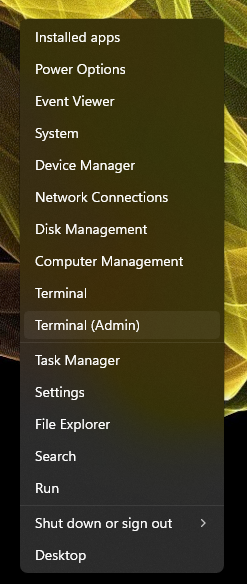
Right-click the Start button and select Terminal (Admin).
Copy one of the command blocks below, then right-click inside the PowerShell tab to paste it and press Enter.
Enable classic Windows right-click menu:
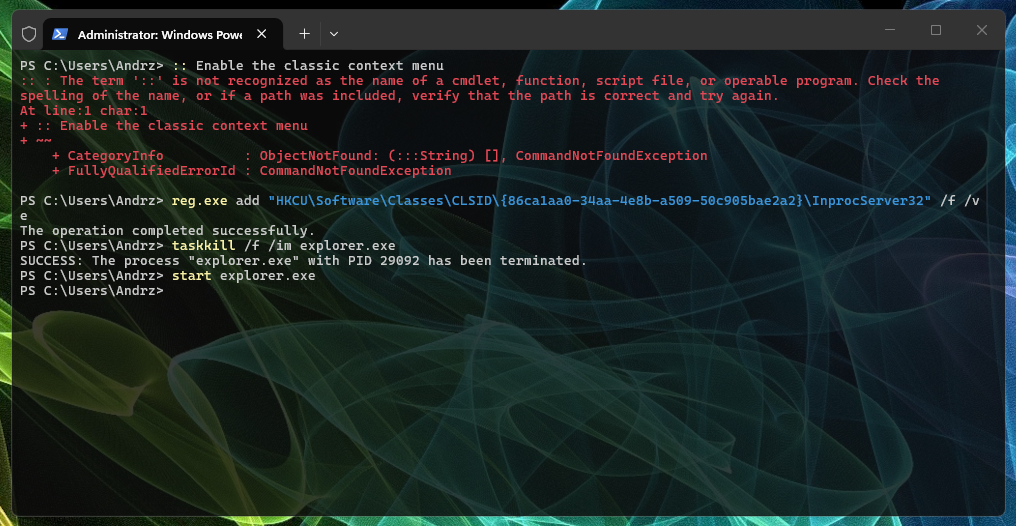
:: Enable the classic context menu
reg.exe add "HKCU\Software\Classes\CLSID\{86ca1aa0-34aa-4e8b-a509-50c905bae2a2}\InprocServer32" /f /ve
taskkill /f /im explorer.exe
start explorer.exe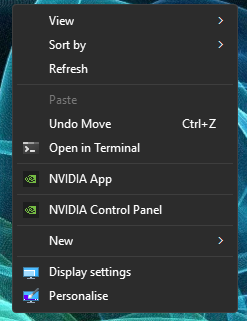
Re-enable the pain in the ass…
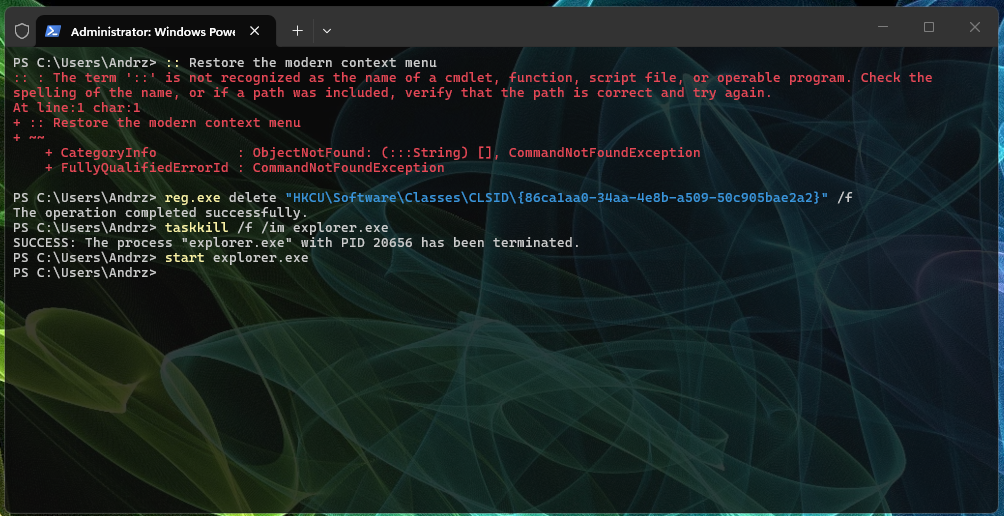
:: Restore the modern context menu
reg.exe delete "HKCU\Software\Classes\CLSID\{86ca1aa0-34aa-4e8b-a509-50c905bae2a2}" /f
taskkill /f /im explorer.exe
start explorer.exe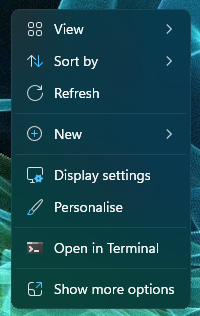
Run only one block: the first enables the classic right-click menu, while the second restores the modern Windows 11 menu.
I hope this helps!
Catch you on the flip side,
AndrzejL