Hello beautiful peoples!

I own three routers that are no longer in use because they are outdated and potentially dangerous due to unpatched vulnerabilities in their software.
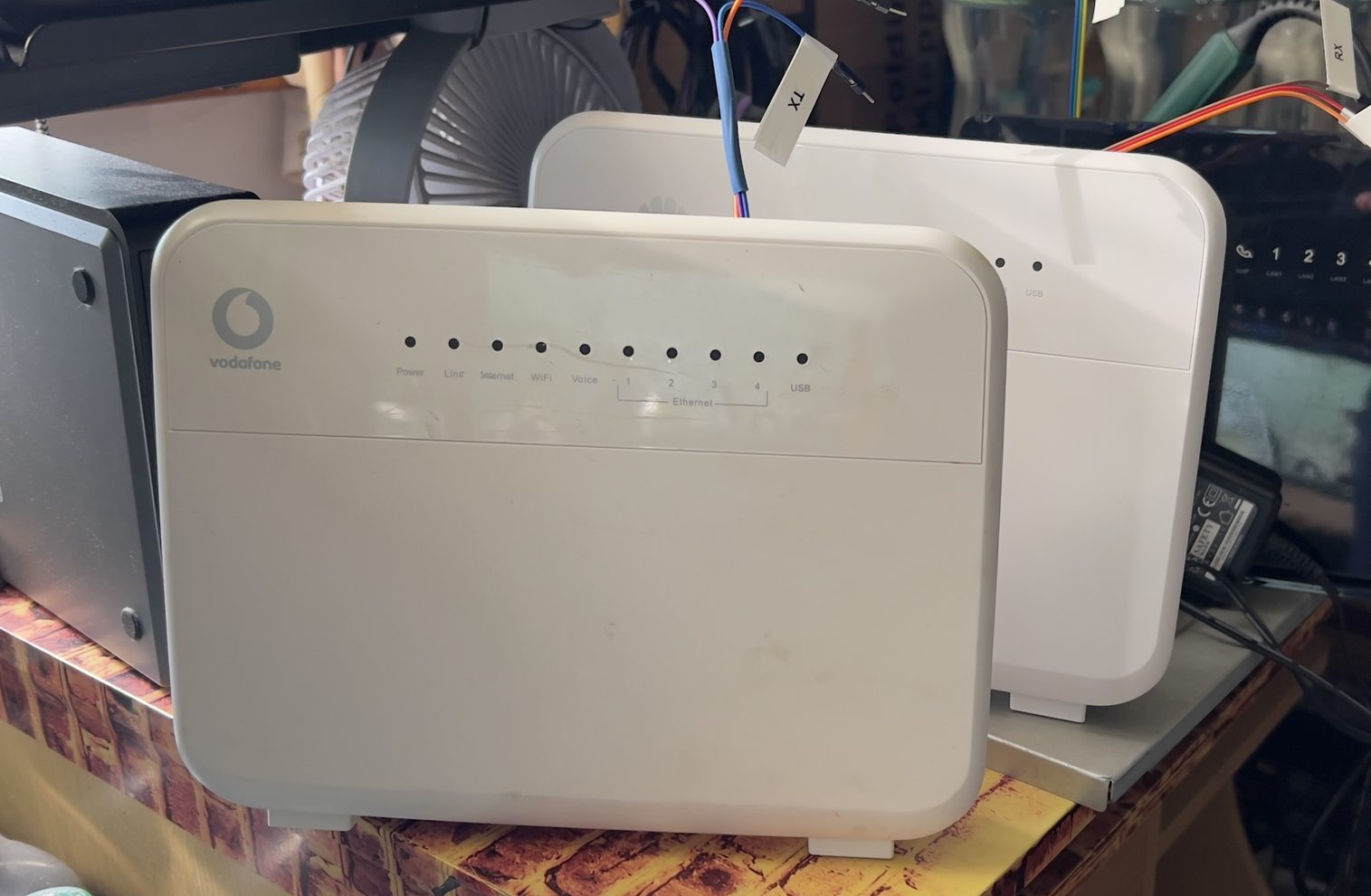
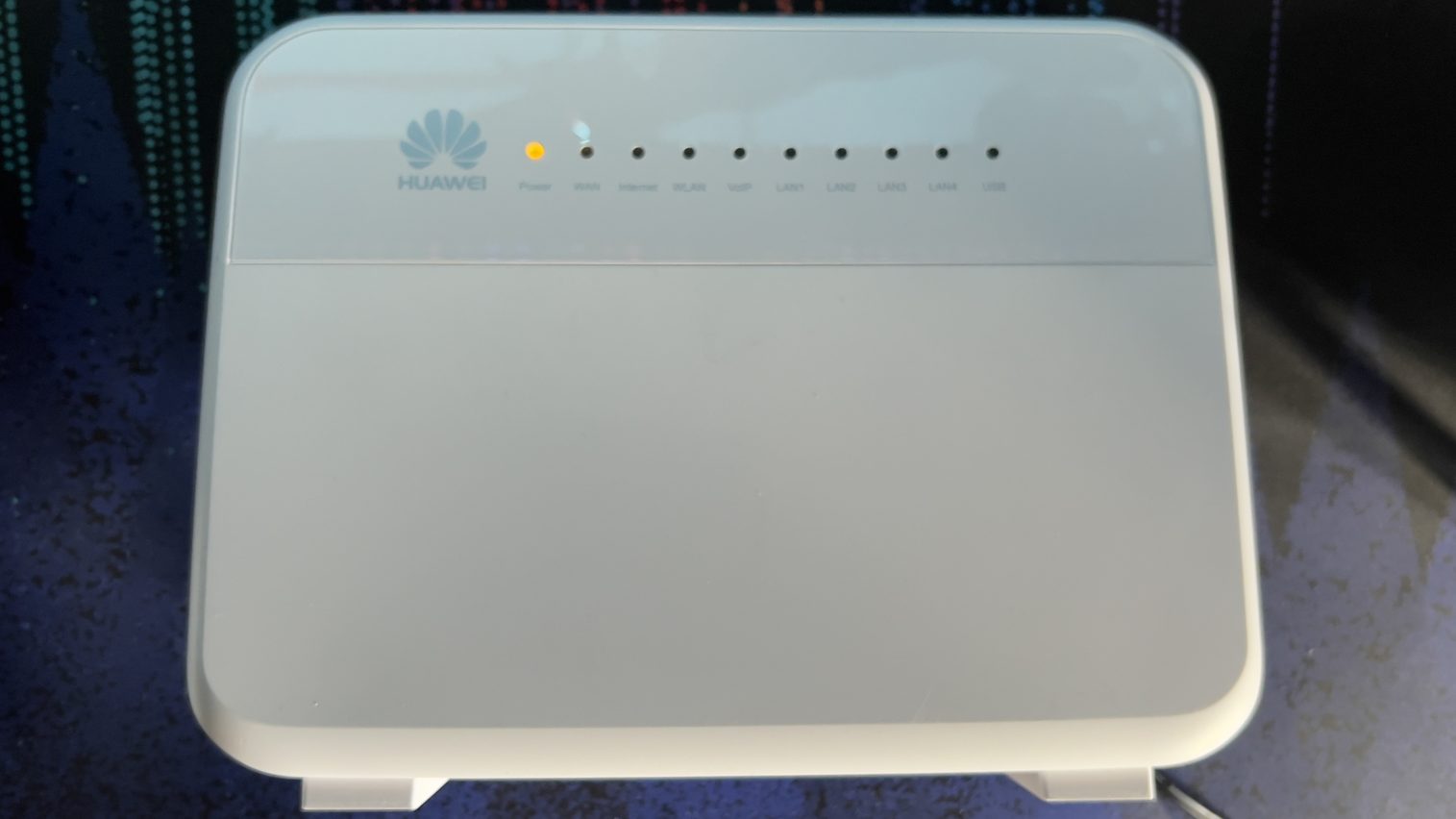
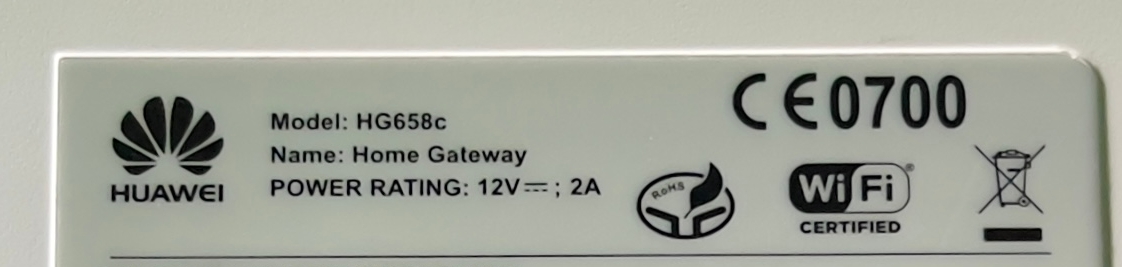
As it happens, all of them are made by Huawei, and two of them are almost identical. Almost? Yes, the same model number – different software and branding on the box. The first is a Vodafone Ireland-branded HG658C, the second carries Huawei branding.
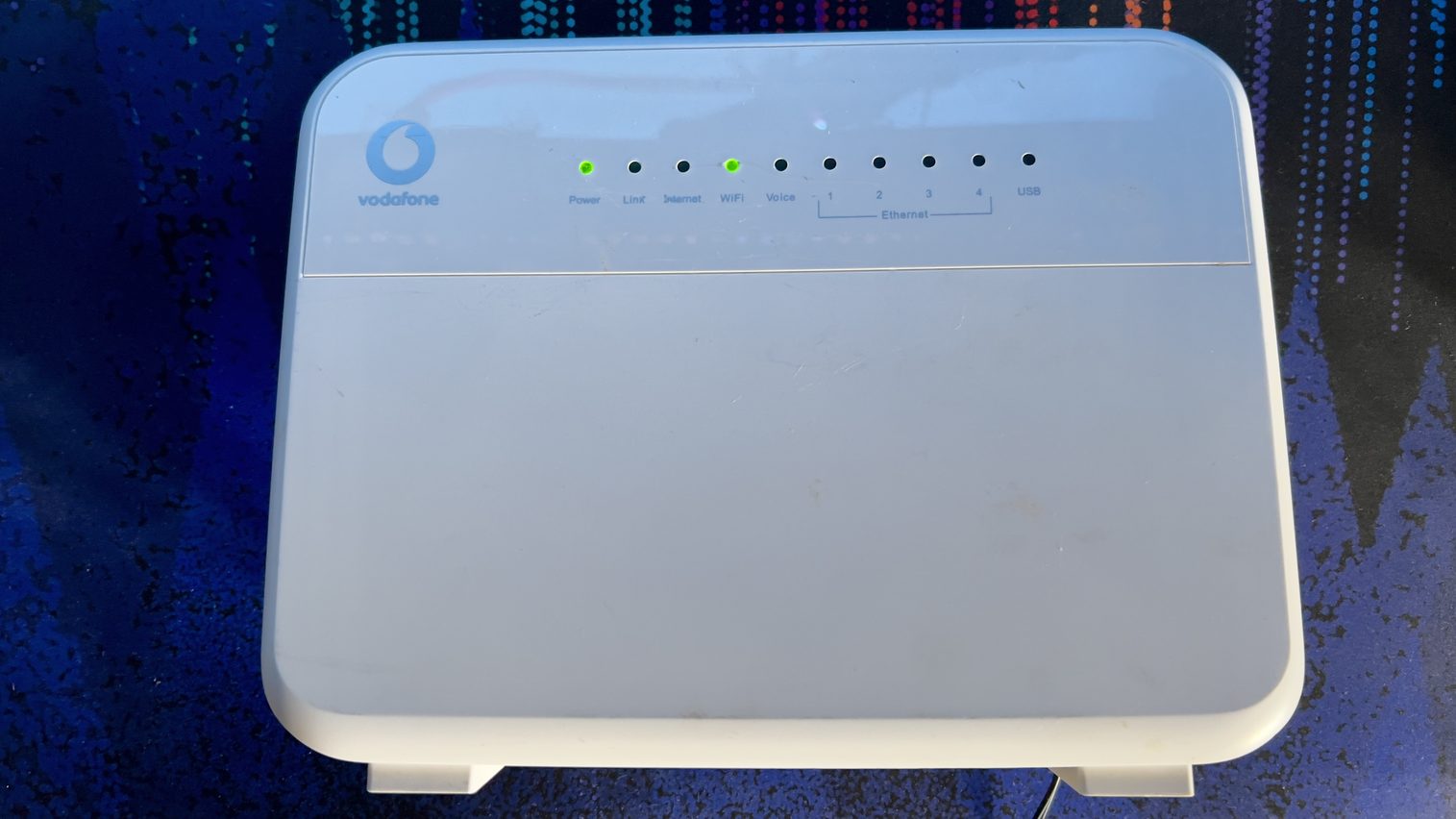
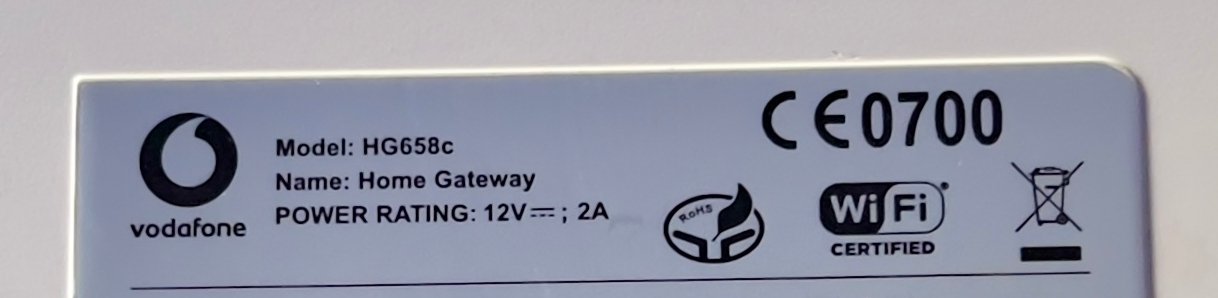
Since I can mess around with these routers without worrying too much about breaking them, I thought I’d use this opportunity to explore a side of hardware hacking I’ve never tried before. UART hunting.
Why would anyone want to do that, you might ask? Well… Mainly to see what’s going on under the hood. For diagnostics, reading boot logs, figuring out why something refuses to start, or potentially recovering a device after a failed firmware update. Depending on what the manufacturer has left accessible, you might also get a bootloader console or even a system shell. Might. Finding a UART does not automatically mean getting root. In my case, I did it for funsies… but also because I’m going to try building custom firmware for these routers. Possibly based on OpenWrt, if the hardware allows it. Something lightweight, secure, and actually functional.
Sometimes, hunting for UART is as easy as searching the interwebz. My Huawei HG659b is a great example of this. All you have to do is visit the OpenWrt Wiki and voilà… You’ve found the UART. Other times, like with my Huawei HG658c routers, nobody seems to have bothered sharing the UART location on the webz. Or maybe it’s buried in some obscure tech blog written by a neckbeard like myself.
Routers are not the only place to look. You can come across UART interfaces in IoT gadgets, embedded devices, and all sorts of electronics that were never intended to have a keyboard plugged into them. Sometimes it’s a maintenance interface. Sometimes it’s just two chips talking to each other, with absolutely no interest in your attempts to join the conversation.
So why do I call it hunting? Because manufacturers rarely leave a helpful sign saying “YOUR CONSOLE IS HERE.” You might find an unpopulated header, a few anonymous test pads, or something that looks exactly like a UART but turns out to be something else entirely. Then there are the signal voltages, pin assignments, and serial settings to figure out. Get those wrong and you might get gibberish, complete silence, or an expensive lesson in why guessing is not a measurement.
And even if you find the right pins and get everything connected correctly, the firmware might only give you logs, ask for a password, or say nothing at all.
Still… That’s part of the fun.
How does one begin the UART-hunting journey? Carefully… Especially if you’re working on an expensive piece of hardware that also happens to be your only way to get online… You psychopath… I found a very good resource here on the YouTube channel of Pedro and Radek from the Flashback Team. There’s plenty of interesting stuff over there, but for this particular adventure, I found this video especially useful. Go watch it if you’re a sick puppy like me.
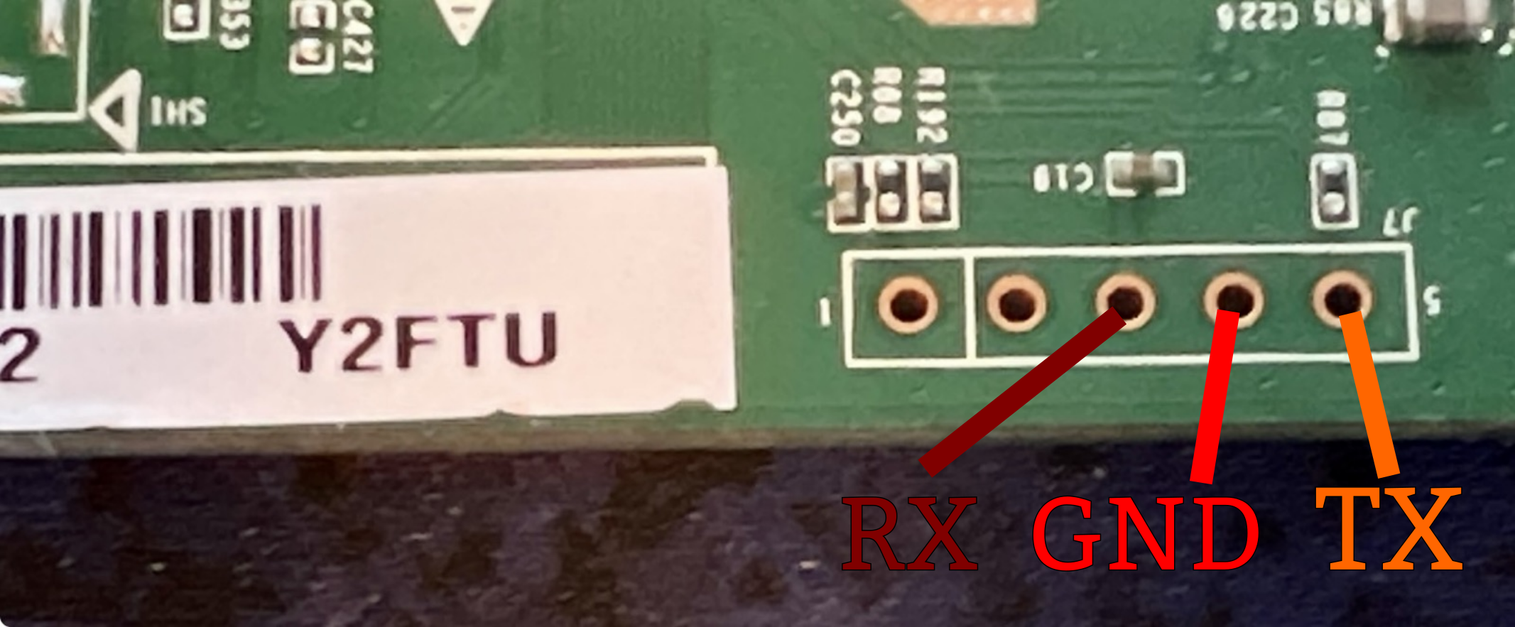
Anywho… After a bit of fun with a multimeter, I believe I’ve found the Holy Grail on the router’s board. Here are some high-res photos of the board and what I believe to be the UART pinout.
The board shown below is marked HG658BZV VER.A.
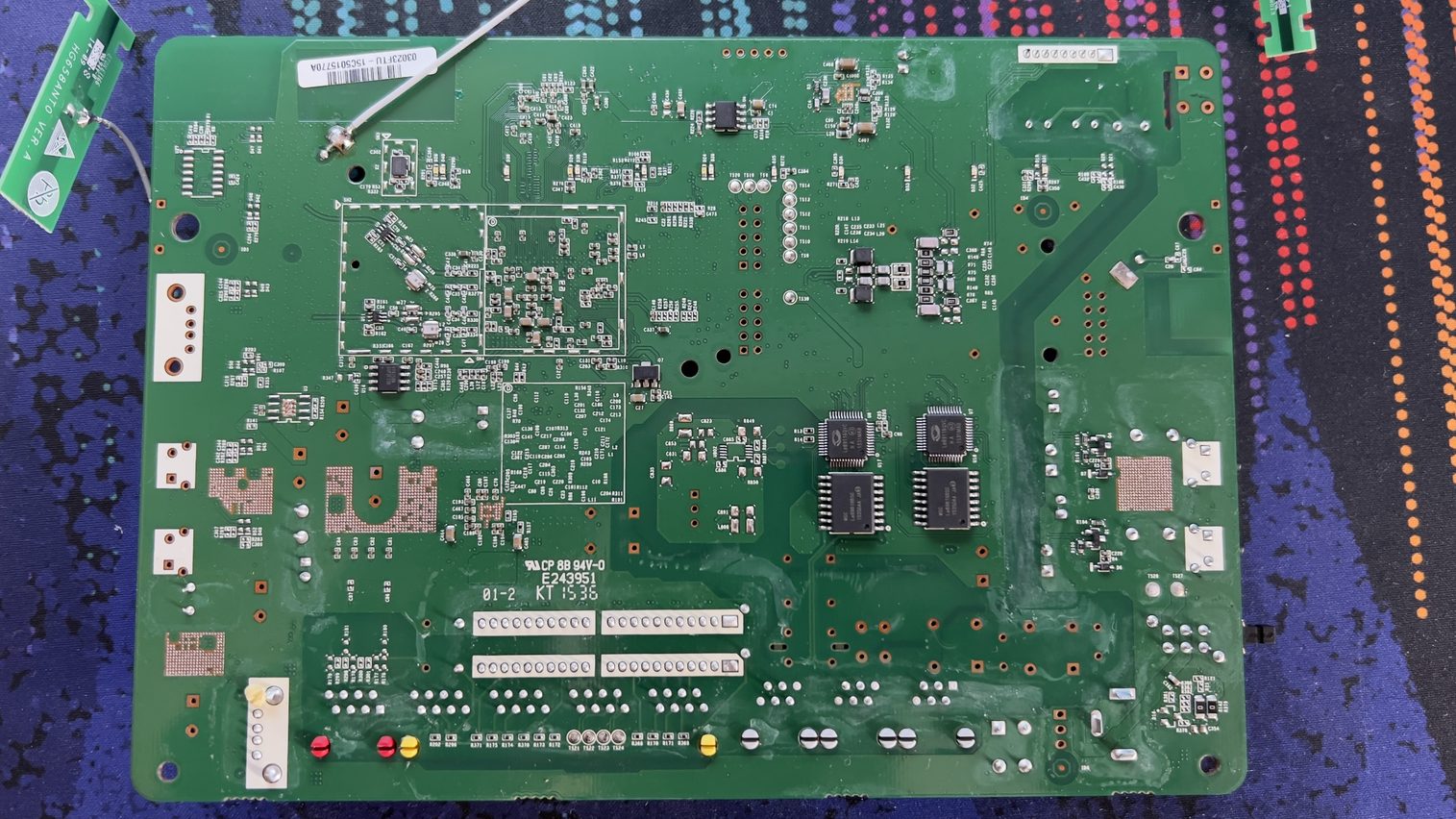
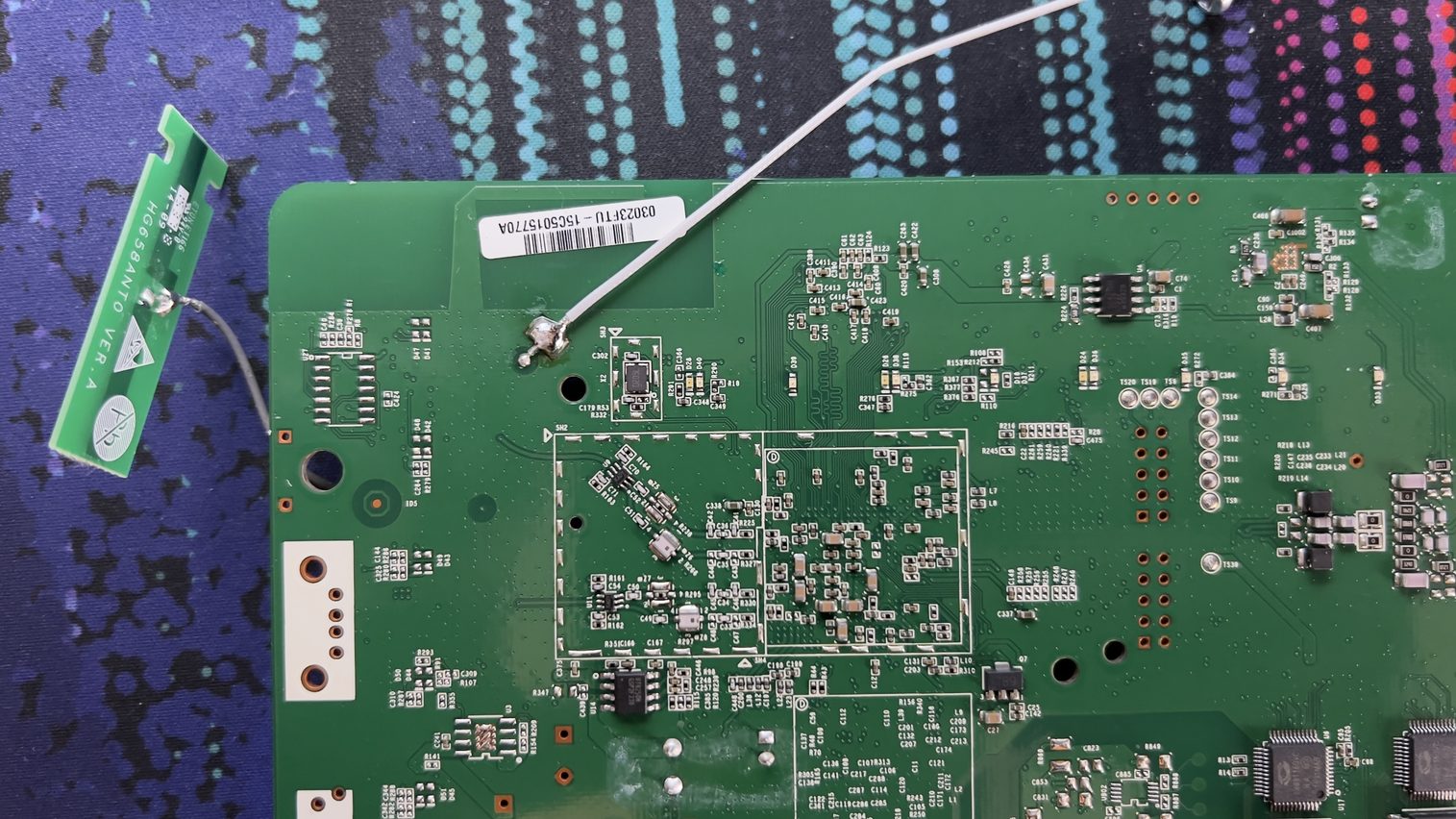
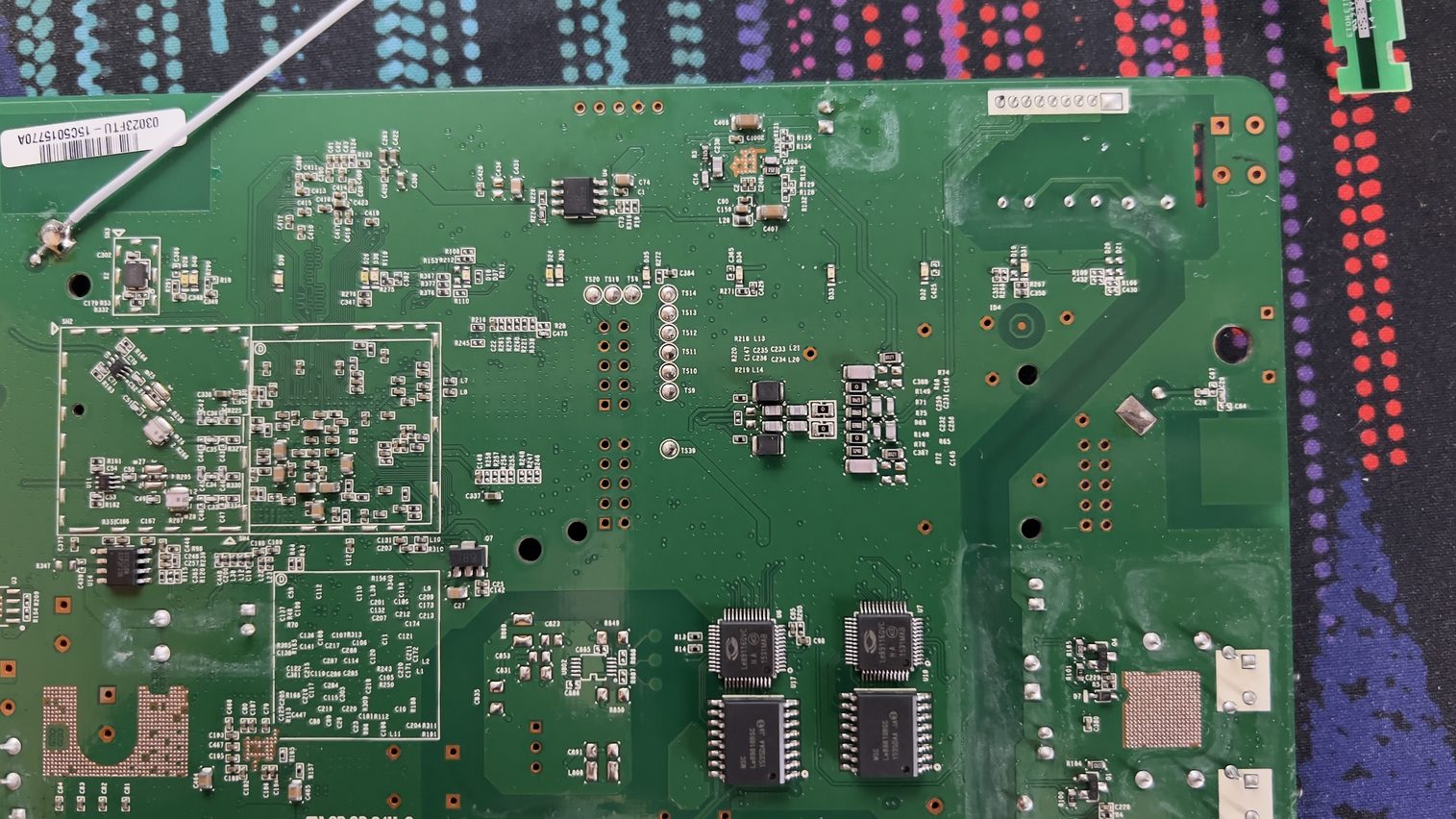
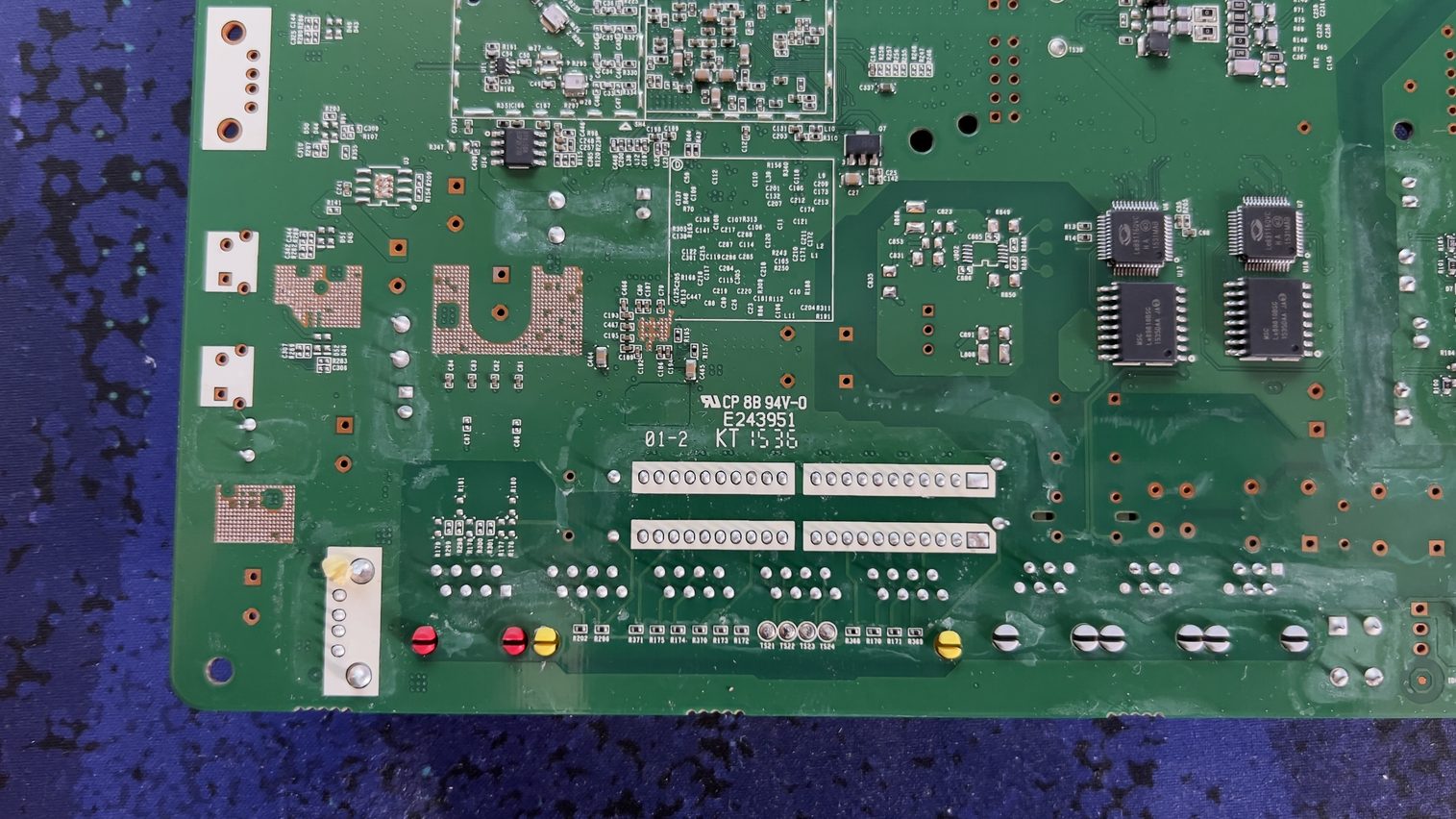
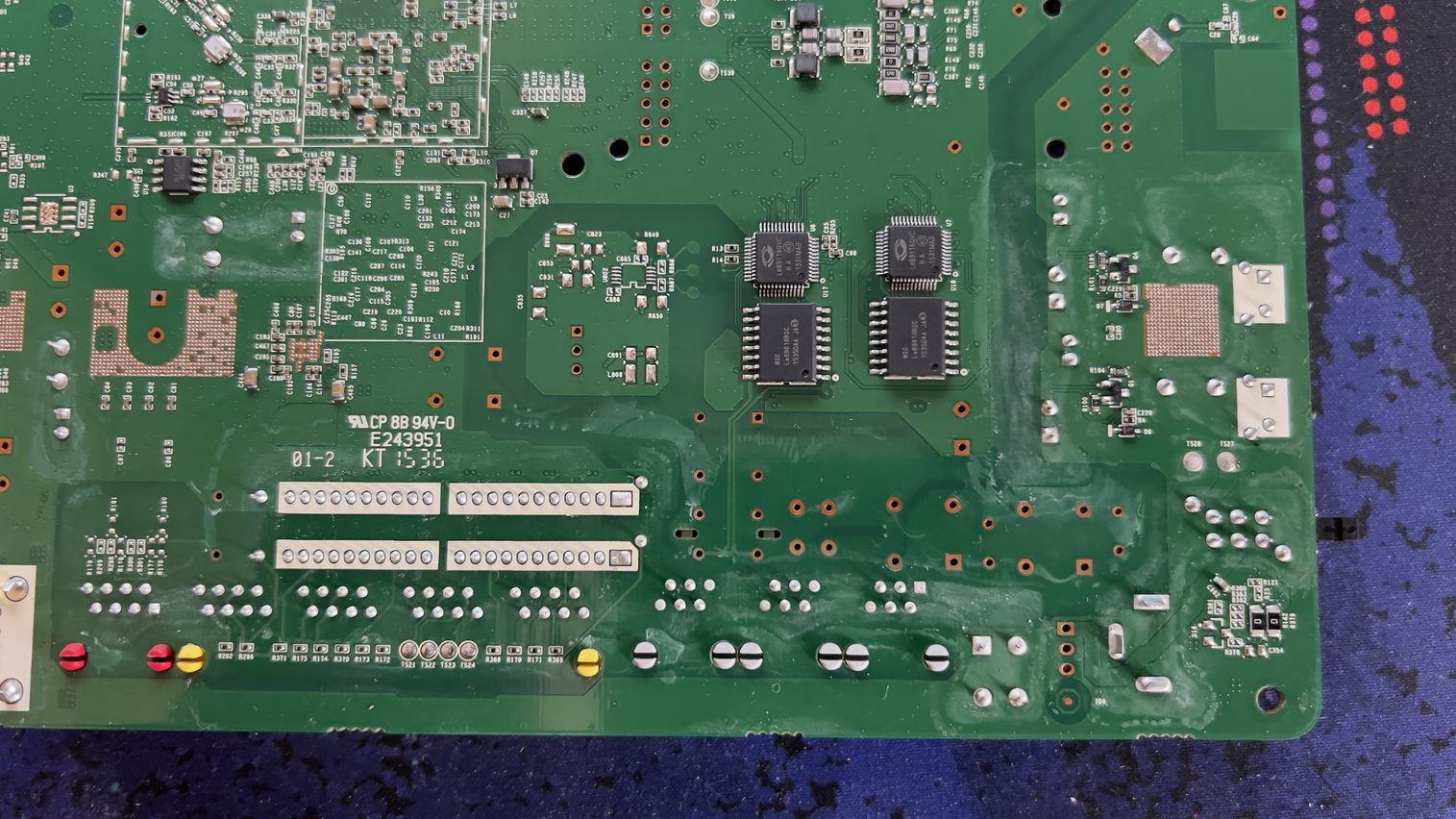
See the larger of the two barcode labels along the top edge of the board? Look just to its left.
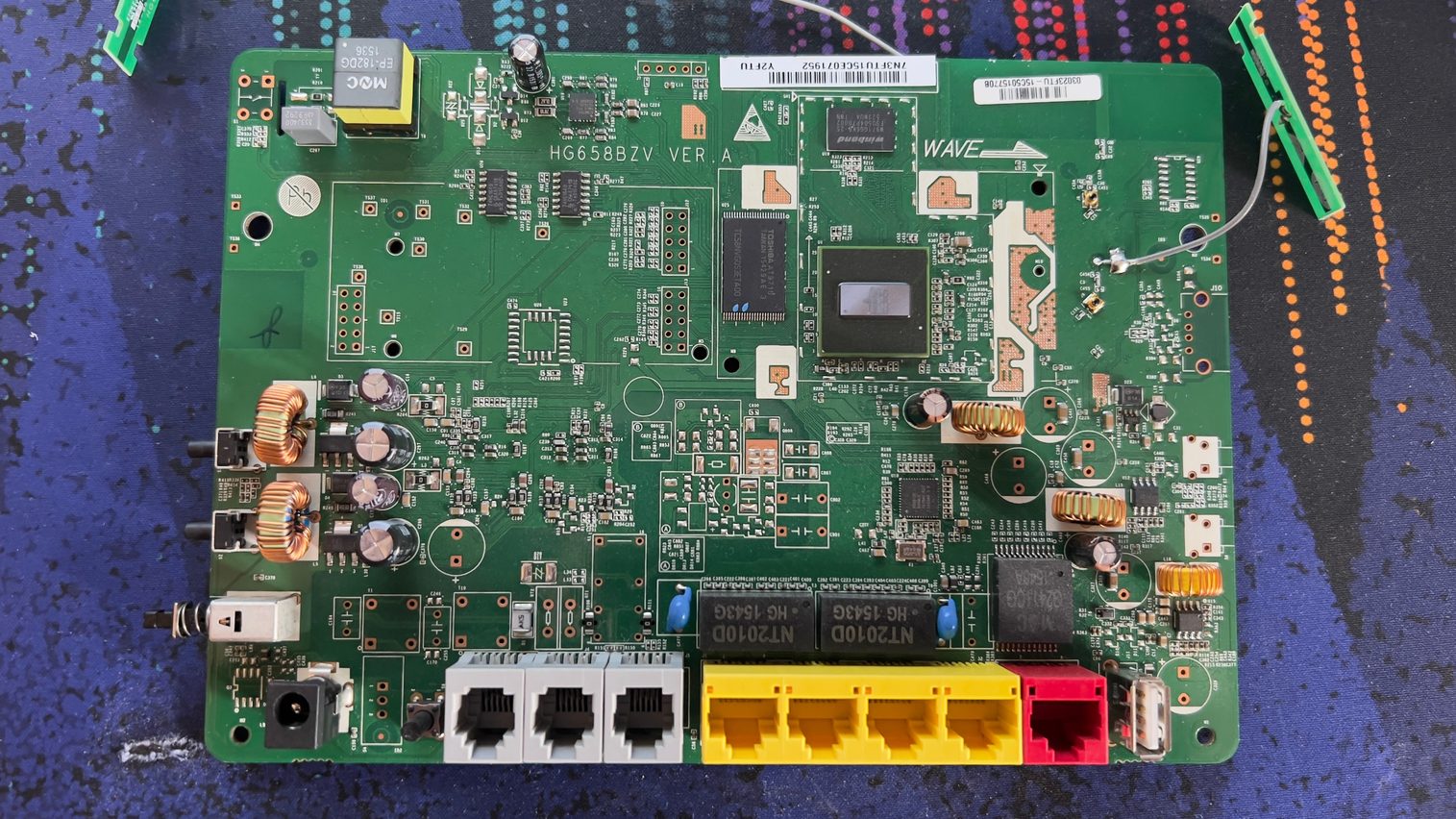
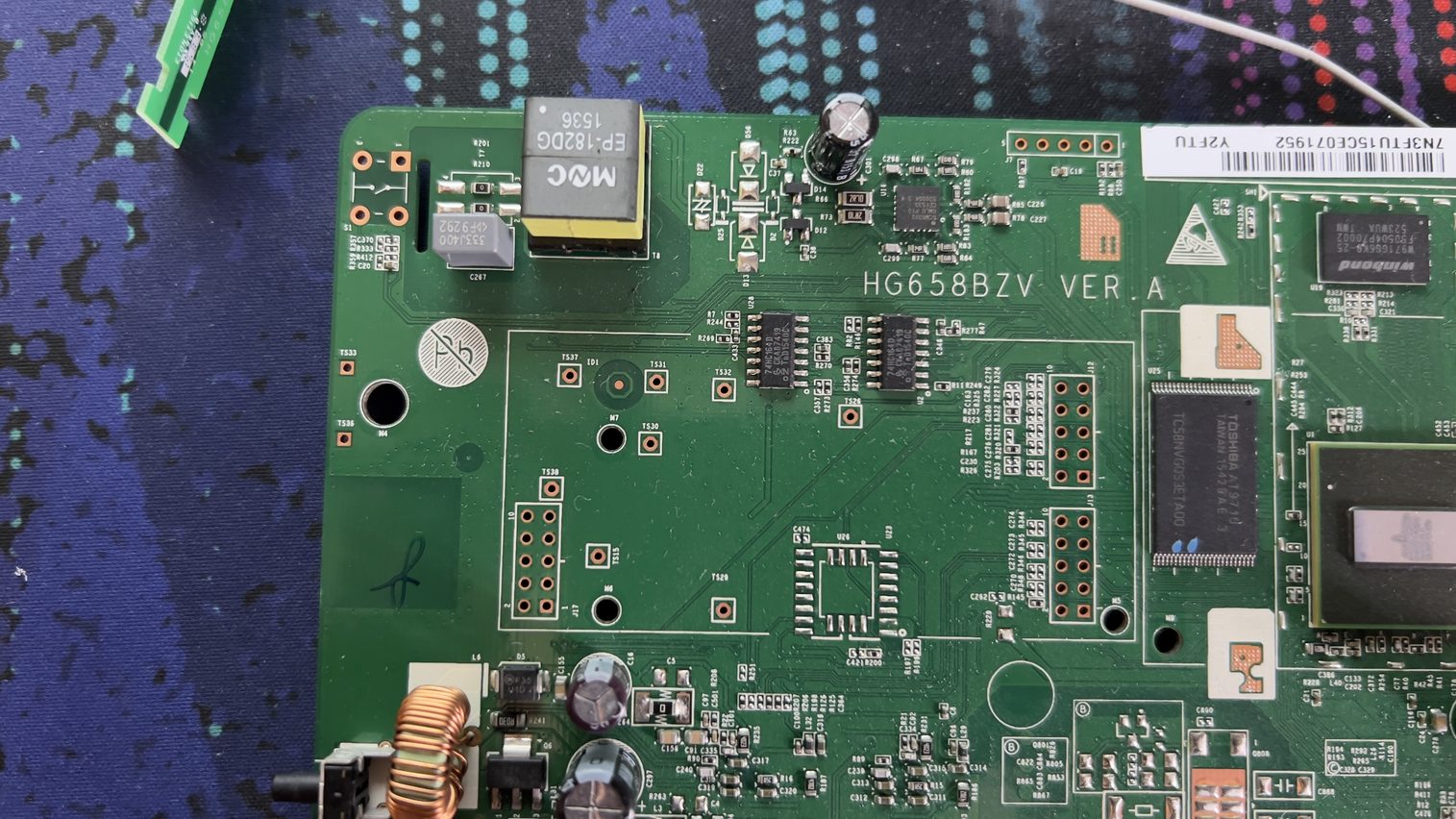
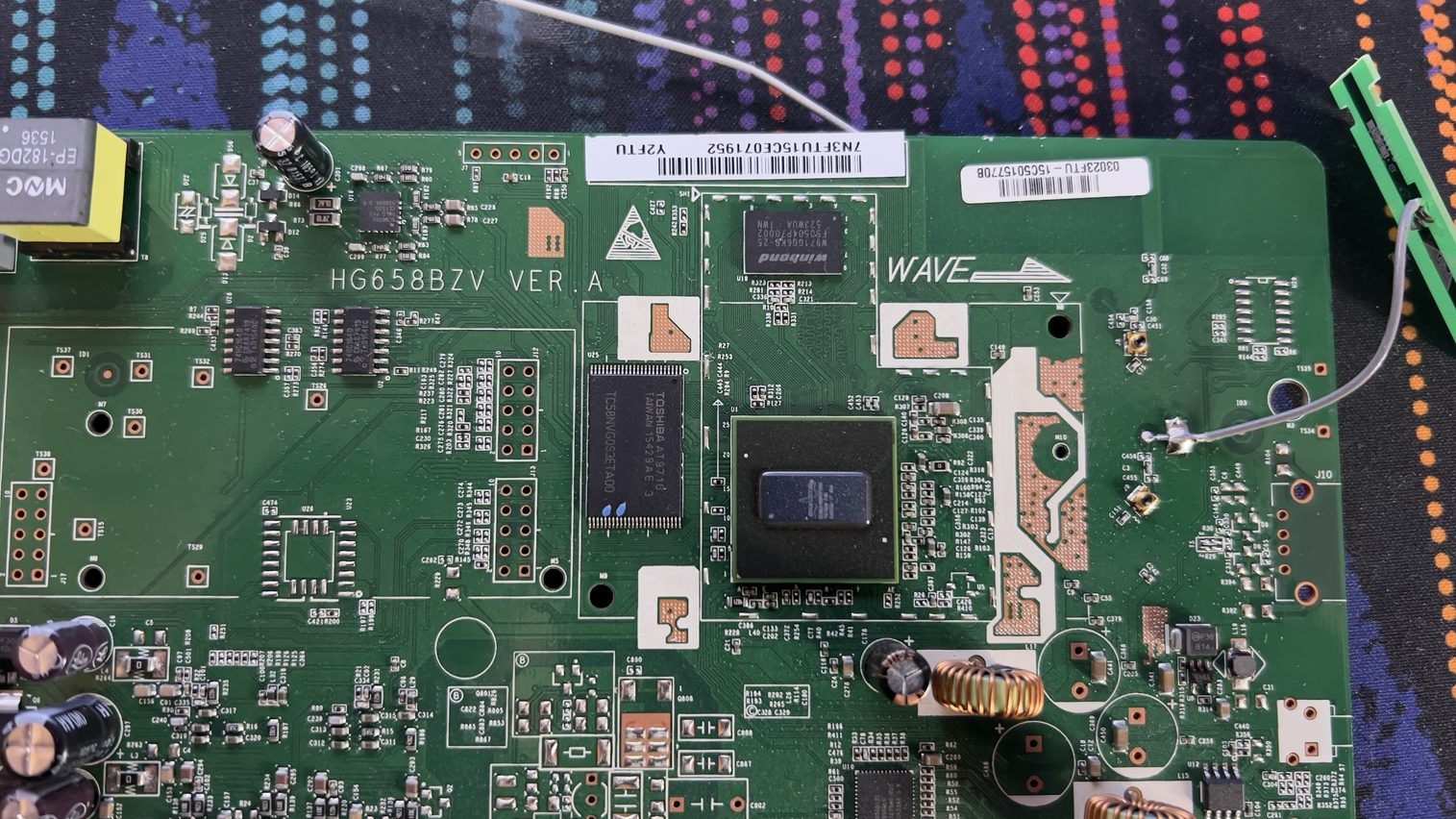
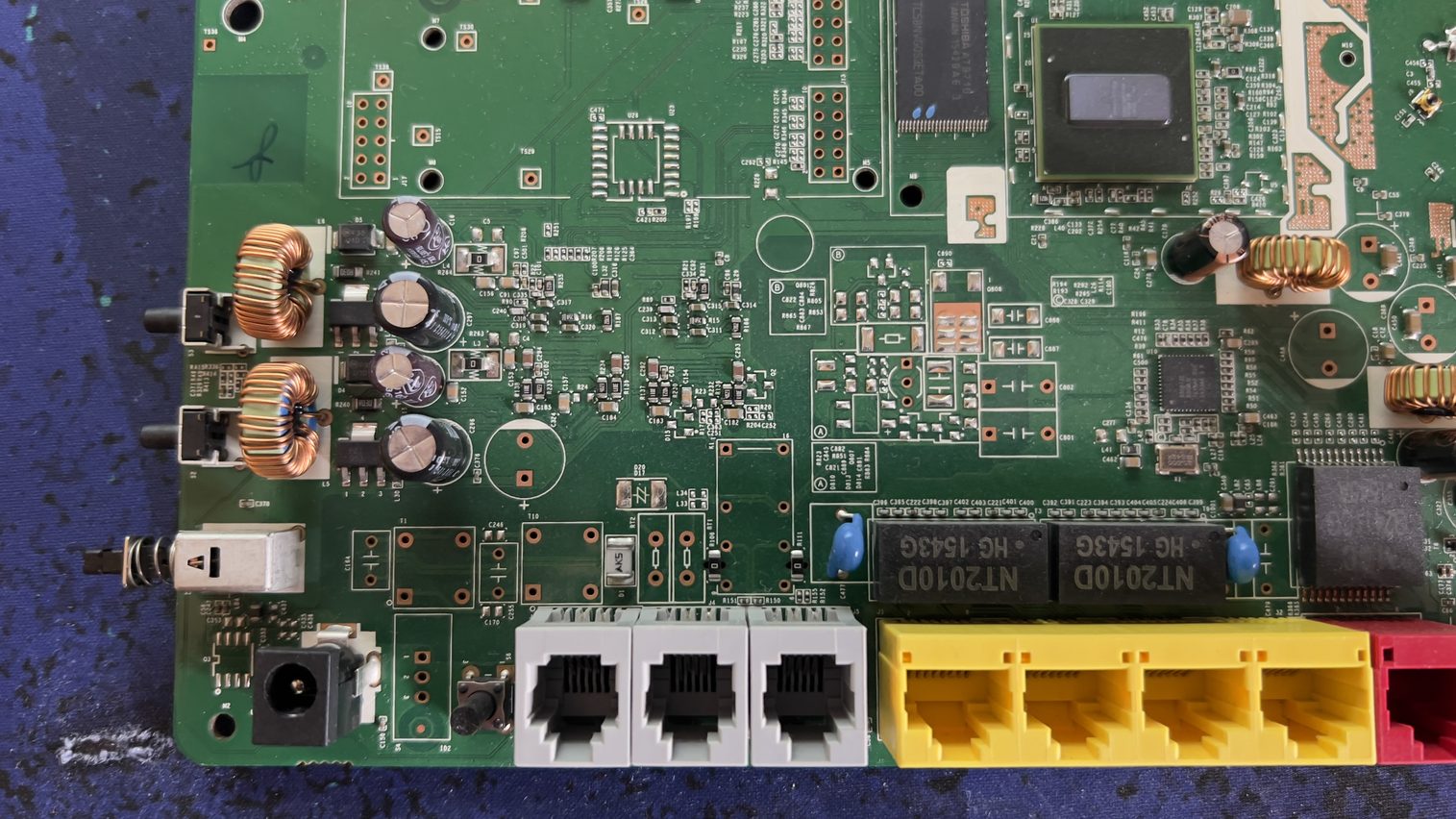
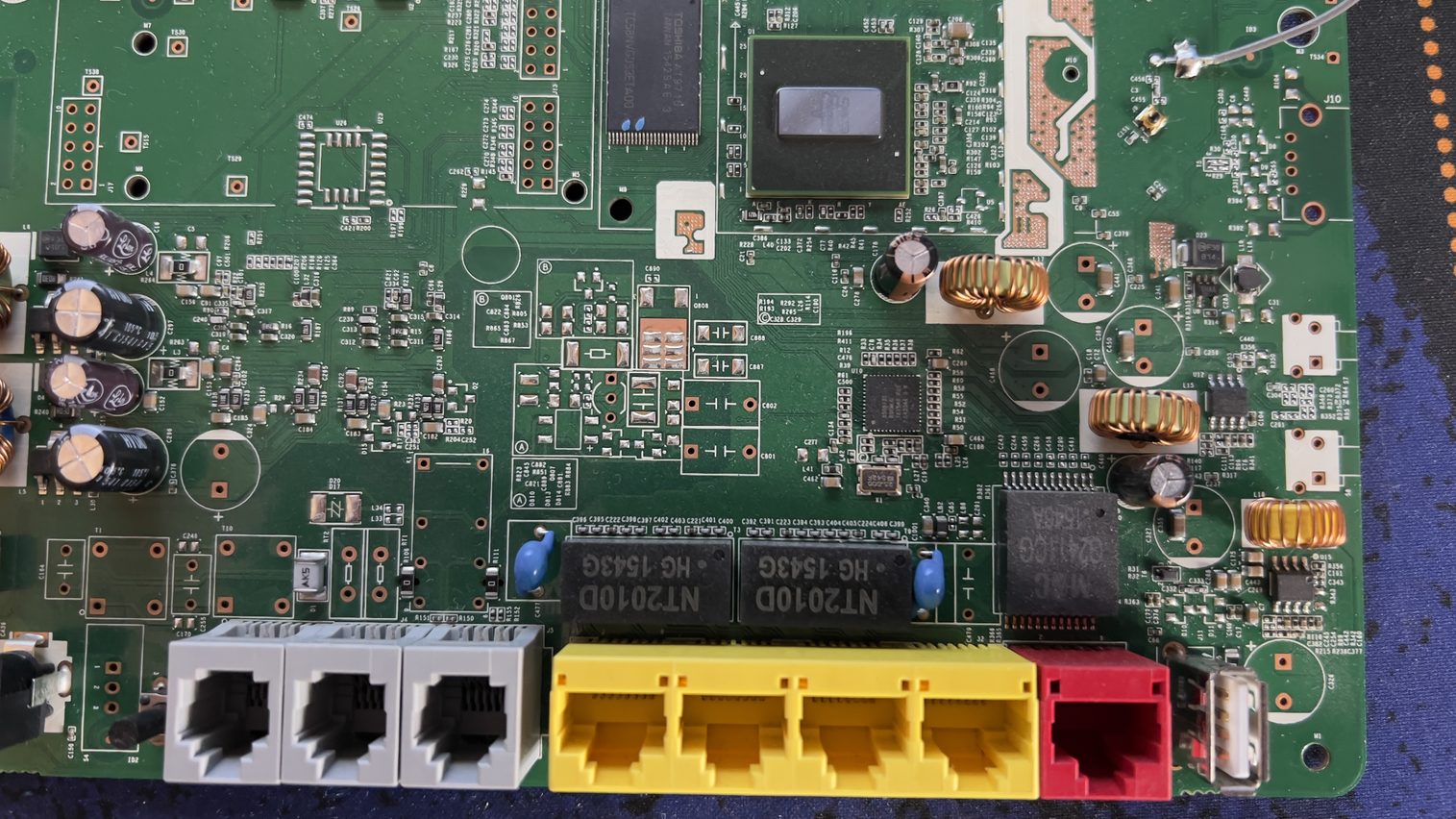
UART PINOUT:
This is a preliminary pinout based on multimeter measurements. I haven’t confirmed UART communication yet, so treat RX and TX as candidates, not verified assignments.
| Pin | Measurement | Interpretation at this stage |
|---|---|---|
| 1 | Steady at approximately 3.27 V | Possible power supply or another signal held high. Left unconnected. |
| 2 | 0 V | Function unknown. Left unconnected. |
| 3 | Steady at approximately 3.27 V | Suspected router RX. |
| 4 | 0 V and continuity with the USB connector shell | Identified as ground (GND). |
| 5 | Fluctuating voltage reading | Suspected router TX. |
And after a bit of faffing with the soldering iron, I’ve added some wires that I’ll route out of the router’s case for easy connection to an FT232RL USB-to-TTL cable… which I have yet to buy. The electricity bill comes first… unfortunately…
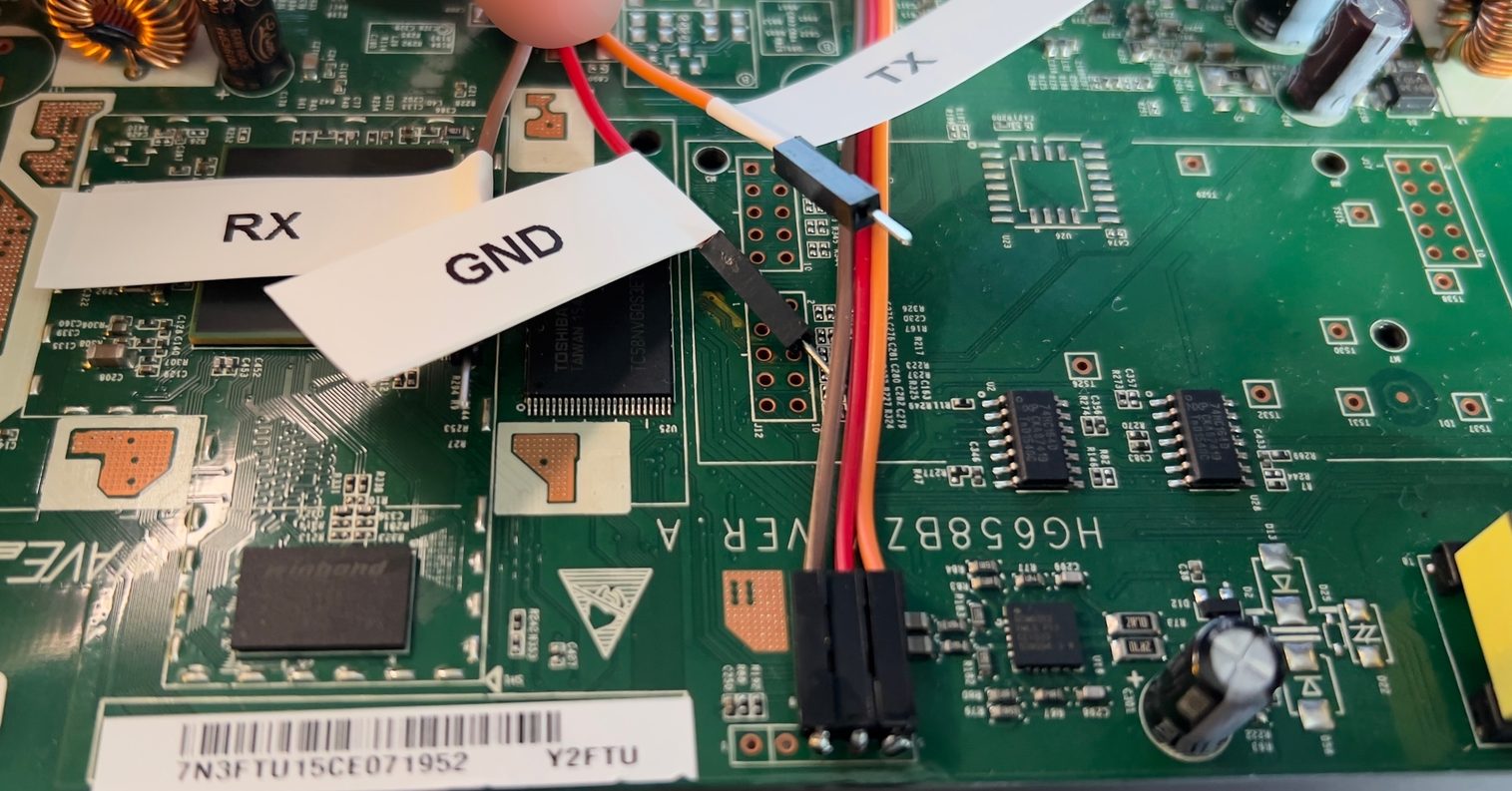
Hopefully, I’ll soon be able to share the boot logs (and more) from both routers and move forward with building my own custom firmware based on OpenWrt… or something else, if that doesn’t work out… but for now, peace out! I got nothing more to share with You 😉.
I hope this helps!
Catch you on the flip side,
AndrzejL