Hello beautiful peoples!

Since Anthropic installer puts Claude.exe in a folder with a name that contains random letters / numbers and also changes after each app update…
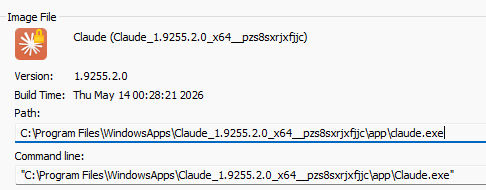
And does not provide you with the “Open file location” for the Start Menu shortcut… so that you can copy it..
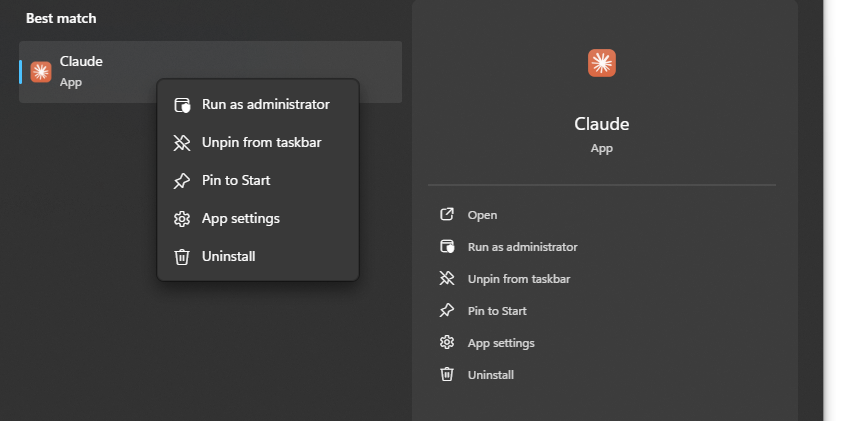
They do not make it particularly easy to add the shortcut to shell:startup and automate the launch of the application during Windows startup.
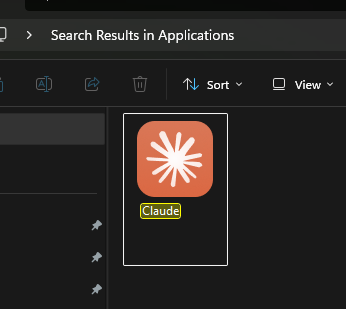
I have recently learned that all you have to do to circumvent that is go to shell:AppsFolder first. You will find Claude in there and you can create a shortcut using this app and copy it to shell:startup folder.
I hope this helps!
Catch you on the flip side,
AndrzejL