Hello beautiful peoples!
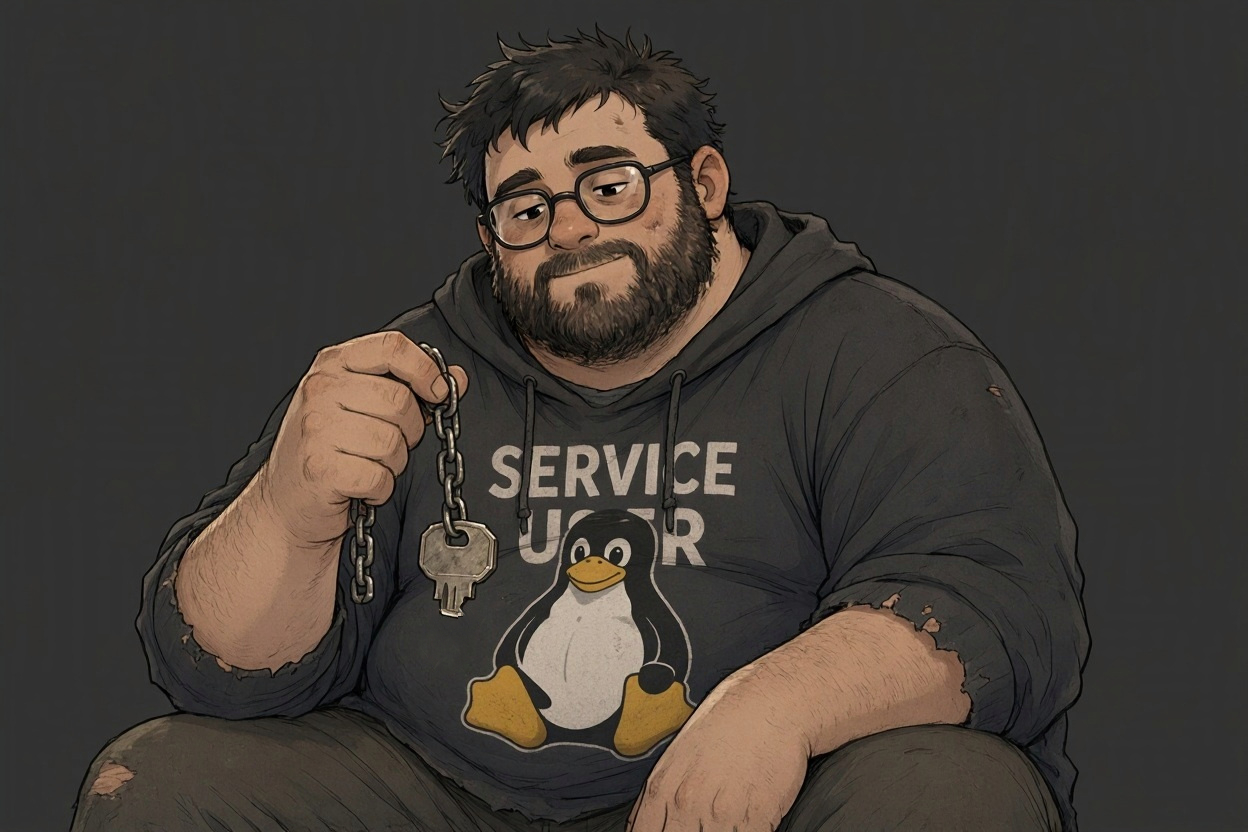
Some Linux users get a home directory, a proper shell, and a password. Others get a job and absolutely none of the comforts. Meet the service user. Homeless by design. Locked out on purpose. Still expected to turn up for work.
Sounds harsh, but your background service does not need somewhere to keep its holiday photos. It needs an identity, access to the right files, and permission to do its job. Creating a system account without a home directory or an interactive login shell is one way to give it exactly that. Builds character, apparently. Robust as an old Nokia, tough as a honey badger, and still expected to work without a coffee break. Luxury is not in the job description.
The important bit is that a Linux user account is not just something a human types into a login screen. It also gives a process an identity. A service can run under its own user and group, allowing its access to files and other resources to be separated from yours. With systemd, that identity is selected using the User= and Group= settings.
That is the point here: give the service its own account instead of letting it borrow yours or handing it root privileges because that made a permission error disappear.
And yes, at 5 AM, after hours of fighting “Permission denied” errors, chmod 777 starts looking at you like a beautiful Polish girl with eyes you could drown in. You are exhausted. Your judgement is questionable. Every fibre of your being wants to say yes. But you’re in a relationship. Stay strong. Fix the permissions. Do not give the entire neighbourhood a key just because you cannot find yours.
On Debian or Ubuntu, creating one is this simple. Replace username with your service account name. Run the creation command as root, only when you intend to create a new account.
# Create the account as root. Detect the nologin path automatically.
useradd --system --user-group --no-create-home --home-dir /nonexistent --shell "$(command -v nologin)" username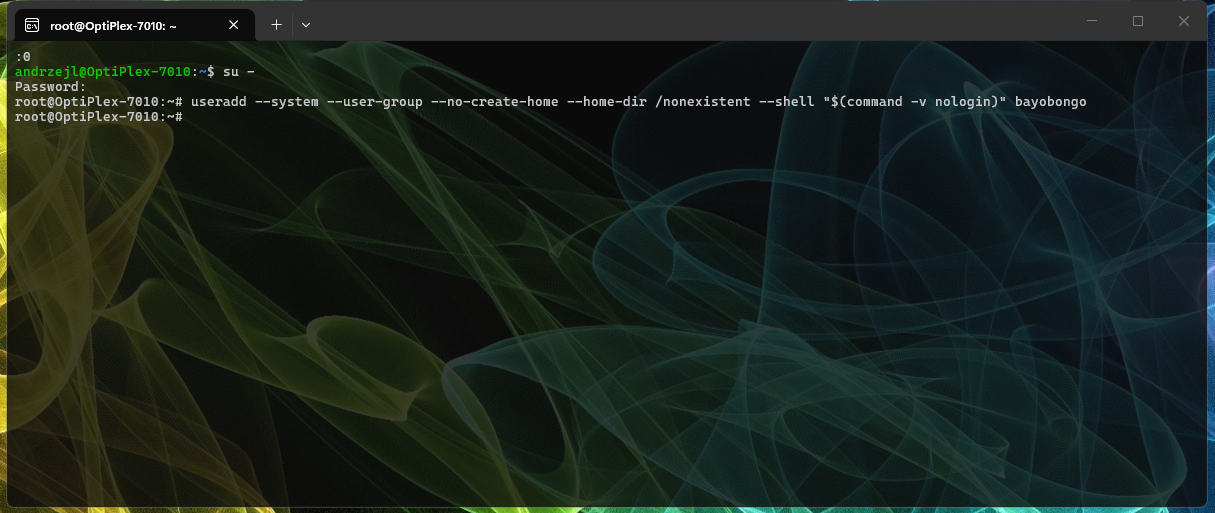
The creation command gives it a system UID, a matching group, no home directory, and a nologin shell. /nonexistent is just its recorded home path; the directory is not created. With no password supplied, the account starts with a locked password.
You can test the account and its permissions by “taking it over” using the sudo command:
# From an administrator account with the required sudo permission:
sudo -u username -- /bin/bash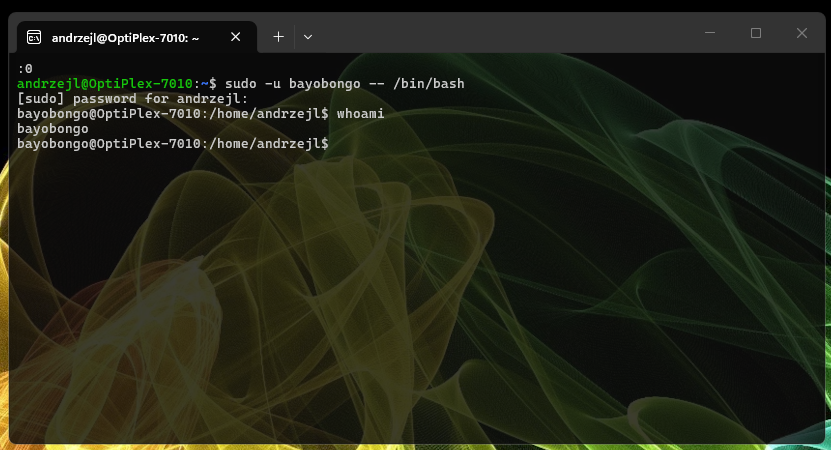
This will use your administrator privileges, not the service user’s locked password. Type exit when finished. No need to give the account a permanent login shell just to do a little maintenance.
Configure your service to run as this user and grant it access only to what it needs. If it needs storage, give it a dedicated data directory. Homeless does not mean it has to leave its files on the pavement 🤪. Thank You! Thank You! No applaud needed! I will be here all week 😜!
I hope this helps!
Catch you on the flip side,
AndrzejL
P.S. Remove the user with this one-liner:
### Remove the user if no longer needed
sudo userdel username