Hello beautiful peoples!

If you’ve already configured a mail server such as Postfix on your Linux system, you can send emails straight from the terminal. There are plenty of ways to do it, but my favourite is Mutt. Install it from your distro’s repository to give it a go.
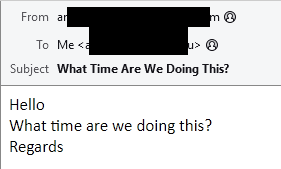
For example, to send a few lines of text with a subject line, run this:
printf '%s\n' 'Hello' 'What time are we doing this?' 'Regards' | mutt -s "What Time Are We Doing This?" -- email@domain.comEach fragment enclosed in single quotes (' ') will appear on a separate line in the message.
But what if you need to add an attachment? No problem… Let’s say your attachment is stored in /home/andrzejl/Document.pdf.
Just run this:
printf '%s\n' 'Hello' 'Please see the attached document for your perusal.' 'Regards' | mutt -s "Attaching Document.pdf" -a /home/andrzejl/DOCUMENT.pdf -- email@domain.com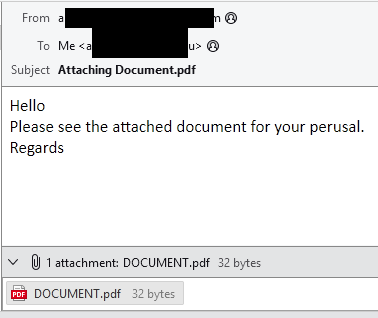
More than one attachment? Sure…
printf '%s\n' 'Hello' 'Please see the attached documents for your perusal.' 'Regards' | mutt -s "Attaching documents" -a "/home/andrzejl/DOCUMENT.pdf" "/home/andrzejl/REPORT.pdf" "/home/andrzejl/NOTES.txt" "/home/andrzejl/IMAGE.png"-- email@domain.com
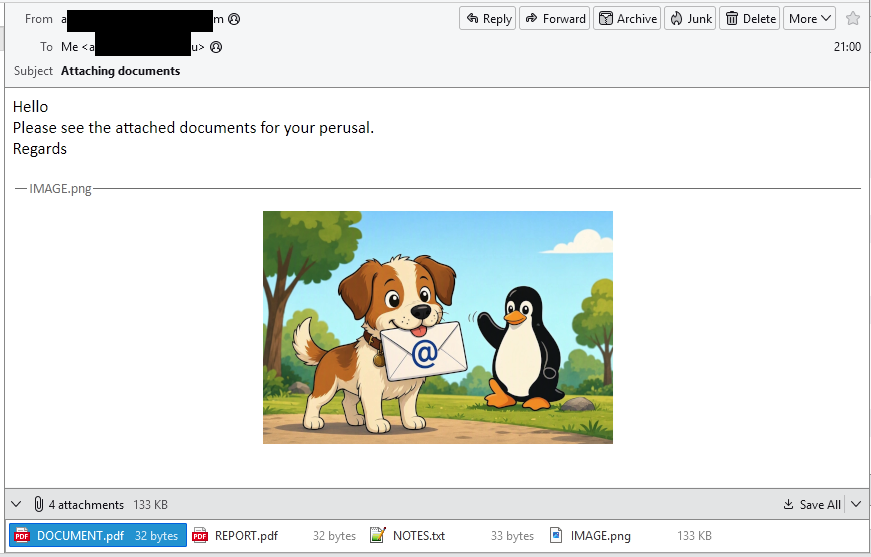
Pretty amazing to be honest… and useful.
No clicking. No dragging attachments around. Just one command, and Mutt does the fetching.
Files, not flies. Attachments, not fleas.
Who’s a goodest boy?
I hope this helps!
Catch you on the flip side,
AndrzejL